Updates and permissions
How Dabbit updates itself, and the two macOS permissions it may ask for.
Updates
Dabbit checks for a new version once a day and offers it with release notes; you choose when to install. Turn the check off in Settings → General → Check for updates automatically, and check by hand any time from the Dabbit menu or Settings → About → Check for Updates….
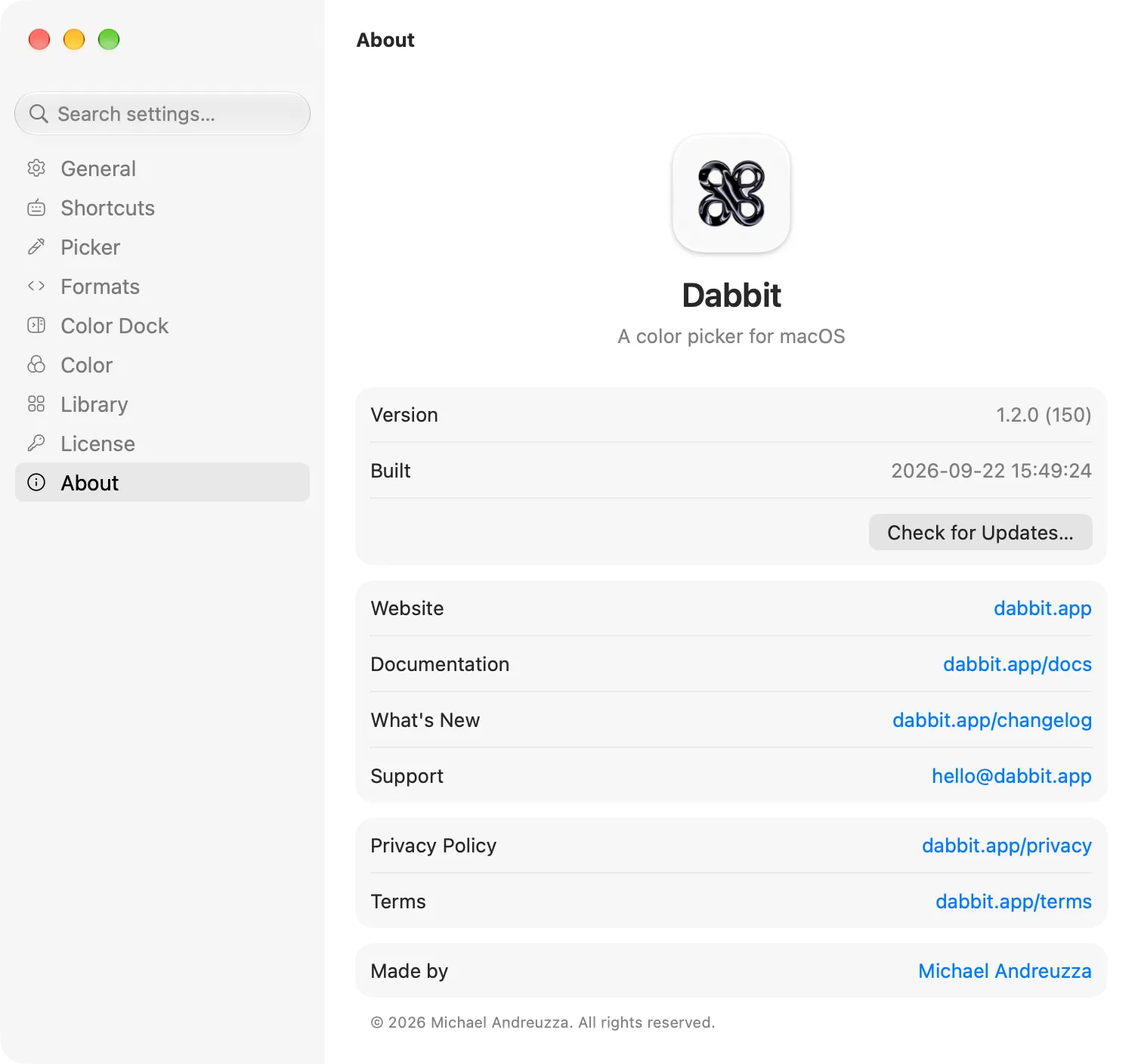
Updates are downloaded from dabbit.app, signed, and verified before they’re installed. The check sends the app version and macOS version, nothing else. Notes for every version are on the changelog.
A year of releases
Your license never expires. What has a date is updates: every release published within 12 months of your purchase is included, and Settings → Account shows the date. The updater only offers releases inside that window, so it never installs something your license doesn’t cover.
After the date, the version you have keeps working, with everything in it. When a newer release is out, Check for Updates… says so and offers Renew…, which opens dabbit.app/renew: $10 for another 12 months, counted from your date if you renew before it, from the day you renew if after. Paste the renewal key into Settings → Account → Renewal → Add and the next check offers what you were missing. Renewing is optional and never automatic.
If you install a version by hand that’s newer than your license covers (a fresh download on a new Mac, say), the License pane says “Licensed, but not for this version” and picking pauses, with Renew… and Previous Versions…, which opens the changelog: every version has its date and download there, so you can install the last one you own.
Permissions
Screen Recording is what lets the magnifier read the pixels under the cursor. Dabbit asks the first time you pick and reads only while the picker is open; nothing is recorded or kept beyond the color you choose. After allowing it, quit and reopen Dabbit; macOS applies the permission to the next launch. If you decline, Dabbit offers Use Apple’s sampler, the system eyedropper, which needs no permission. Change your mind later in System Settings → Privacy & Security → Screen Recording (click + and add Dabbit if it isn’t listed), or in Settings → Picker.
Camera is asked for only if you use New Palette from Camera.
Dabbit doesn’t need Accessibility, Input Monitoring or Full Disk Access.
Requirements
Apple silicon Macs only, macOS 14 Sonoma or later. There is no Intel build.