Menu bar and appearance
What's behind the mark, and how Dabbit looks.
The mark
Dabbit’s home is the four-petal mark in the menu bar. Click it for:
- Pick, the same as ⌥⌘C
- your most recent picks as a strip of swatches; click one to copy it
- Copy as, the current color in any format
- shortcuts to the Color Dock, the library and Settings, and Quit
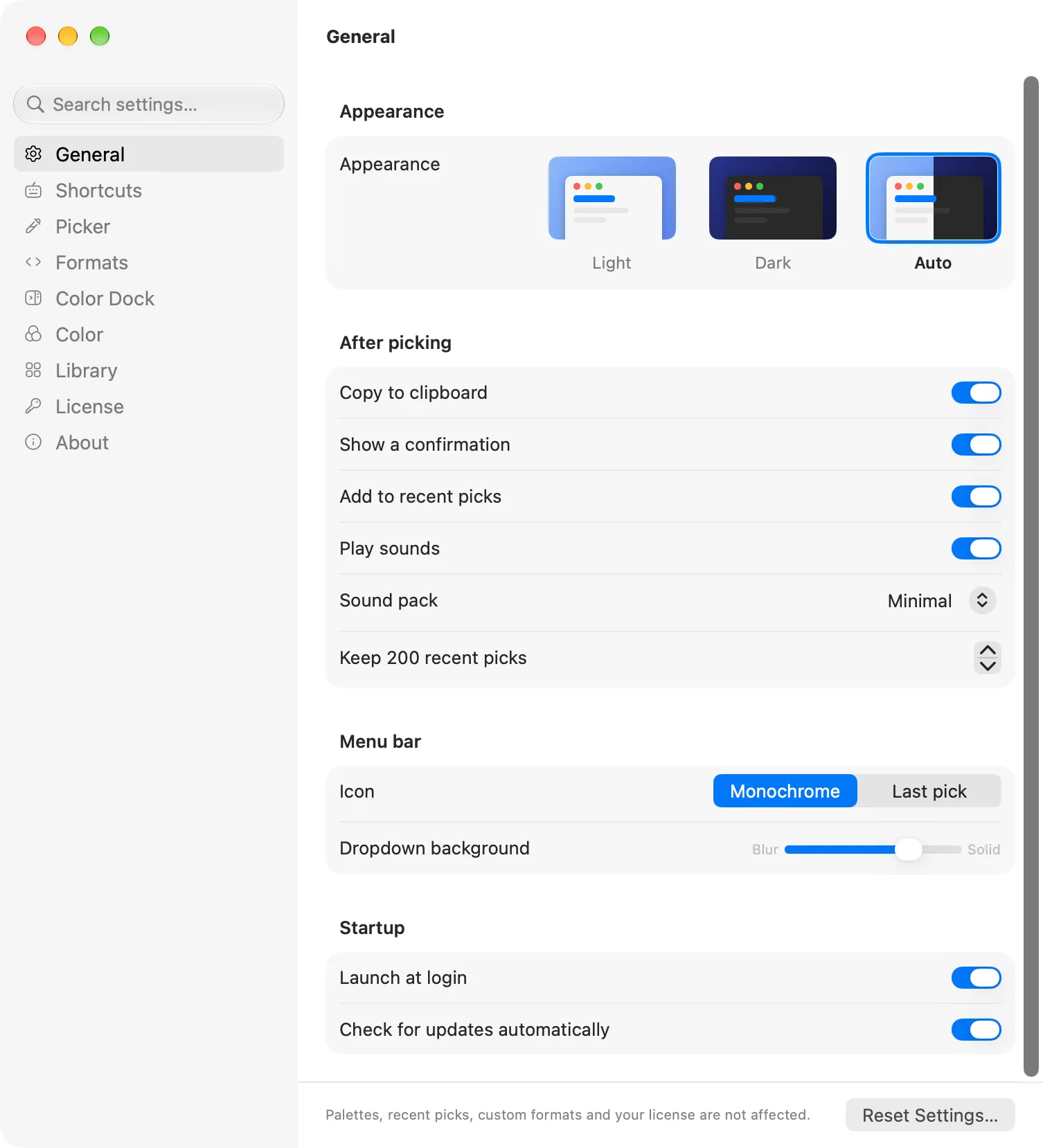
Settings → General → Icon sets how the mark is drawn:
- Monochrome: a template glyph that follows the menu bar, light or dark. The default.
- Last pick: the mark takes the color of whatever you picked last, so the menu bar shows what’s on your clipboard.
Appearance
Dabbit follows the system appearance. Settings → General → Appearance forces Light or Dark if you want the windows to stay one way regardless of the system. Dropdown background slides the menu bar panel between a blurred and a solid backdrop.
Sounds
A pick plays a short sound. Eight sound packs are available under Sound pack (Minimal is the default), or turn Play sounds off.
Launch at login
Launch at login in Settings → General adds Dabbit to your login items so the shortcut works from the moment you sign in. It’s off by default.