Generator
A shade scale from one color, or a whole design system from a few.
Under Tools in the library sidebar are two generators. Both work in OKLCH, the perceptual color space, so a step of lightness looks like the same step in every hue, and a mid-shade blue is as saturated as a mid-shade orange.
Scale
One color in, its tints and shades out: the 50 … 900 ramp a component library needs.
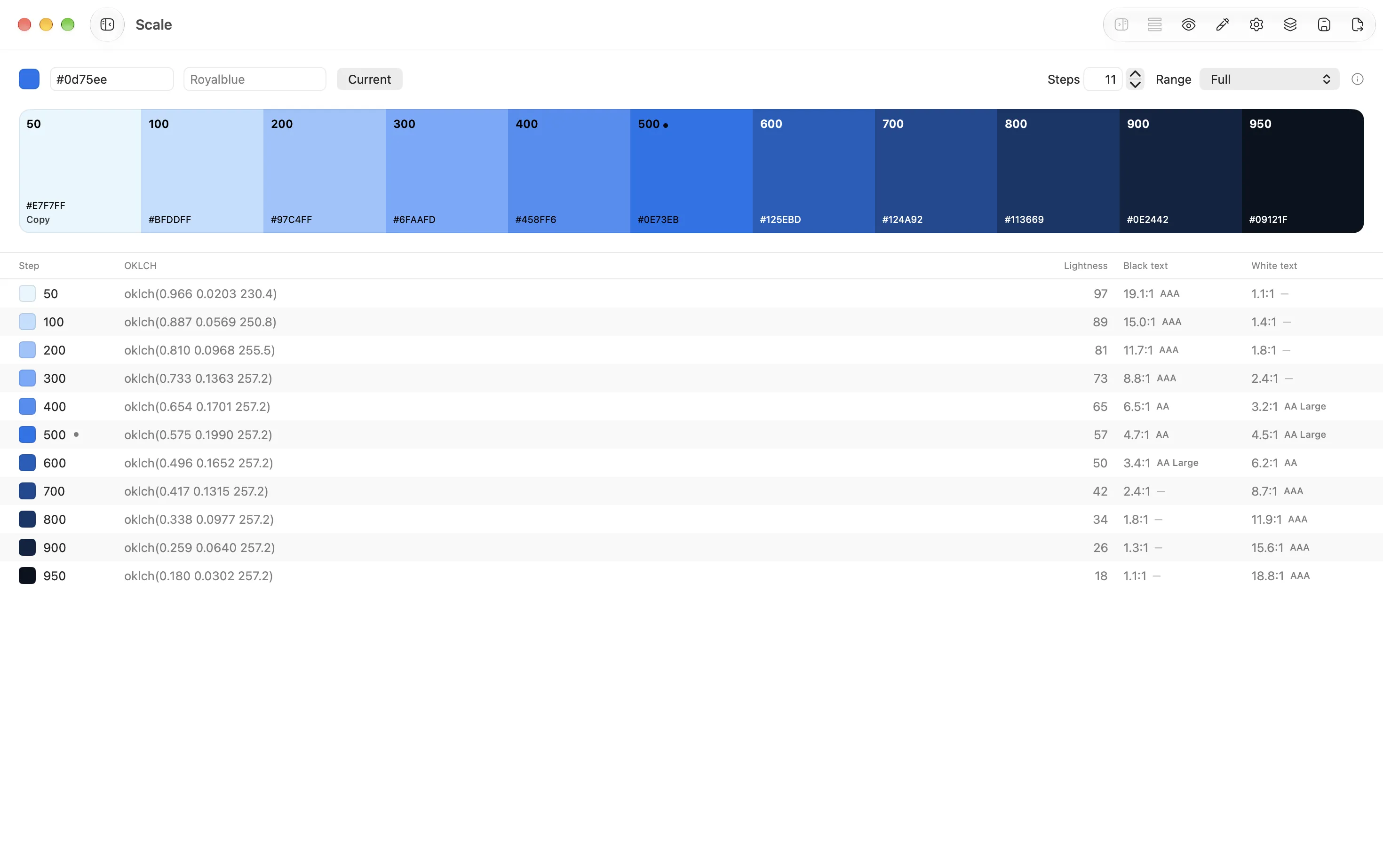
- Base color: the current color, or any you set. Paste several hex values (one per line, or separated by commas or spaces) and you get one scale per color in a single palette.
- Steps: 3 to 12.
- Range decides how far the ramp reaches:
- Full: white to near-black, the Tailwind convention. The darkest steps are text colors.
- No blacks: white to a deep shade that still reads as the color. Nothing turns black.
- Around the color: your color in the middle, a few tints up, a few shades down. For a pastel or a brand color you don’t want dragged to black.
The seed lands exactly on its nearest step, so the color you started with is in the scale, unchanged. Save as palette keeps the recipe with the palette; Edit in Scale on that palette later reopens it here. Expand into a design system hands the color to the other generator.
Design System
Up to six seed colors in, a full system out: N hues × 10 shades on one shared lightness curve, so blue-500 and red-500 sit at the same lightness and contrast the same way against white.
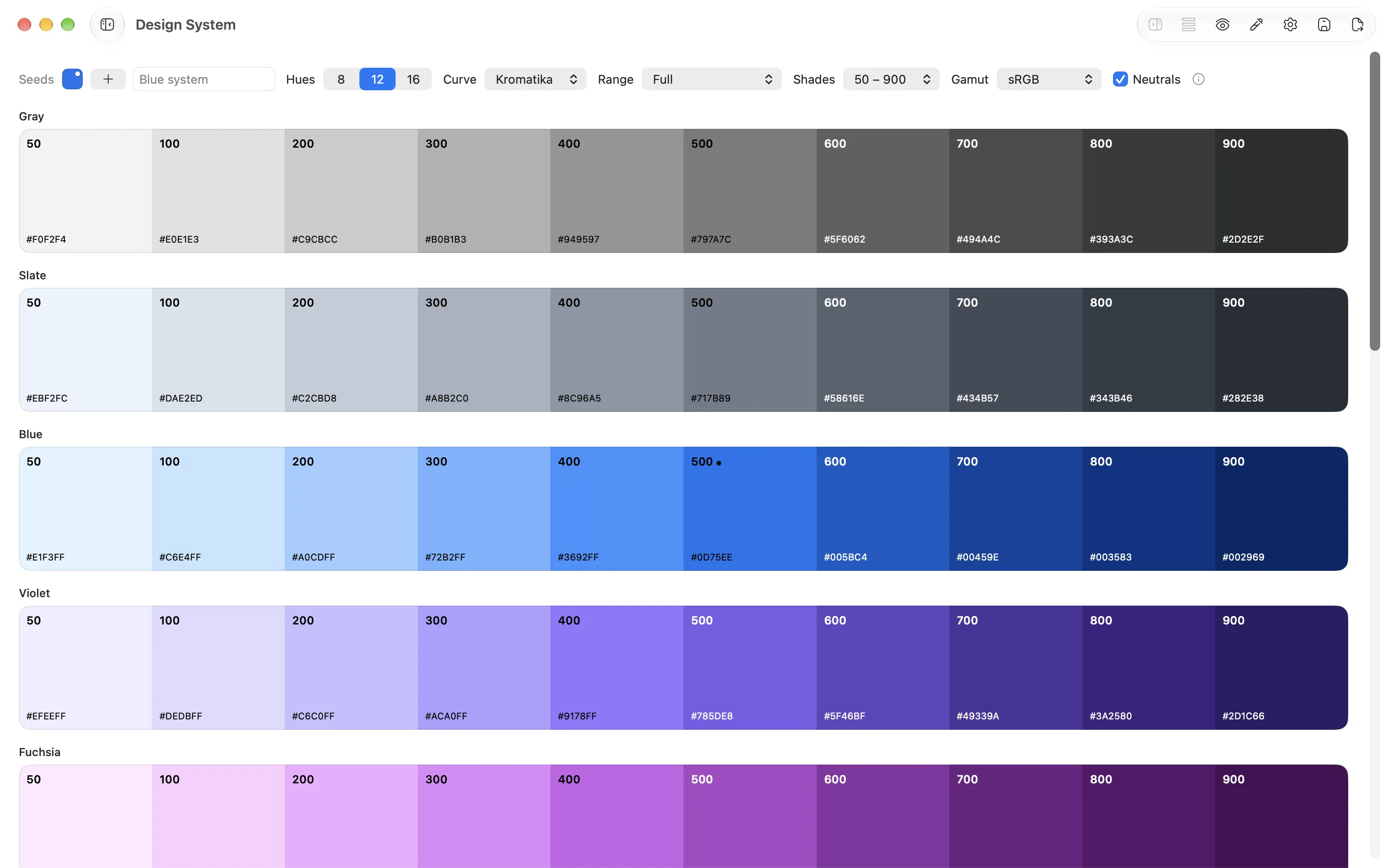
- Seeds: add from the screen (Pick from screen…), the current color, or paste a list. Hues you don’t seed are filled in evenly around the wheel.
- Hues: 8, 12 or 16.
- Range: Full, No blacks, or Around the color, as in Scale.
- Shades: named
50 – 900,100 – 1000,10 – 100or1 – 10. - Gamut: sRGB keeps every color safe for the web and hex. Display P3 lets the saturated middle shades use the wider gamut; they export correctly as
color(display-p3 …)and SwiftUI P3 colors, and clip when written as hex. - Neutrals: adds a gray scale and a slate tinted from your first seed.
Each seed lands exactly on its nearest shade. Saving produces a palette with one sub-palette per hue, which is the shape the Color Dock, exports and the Figma plugin expect.
Dark mode
Every scale has a dark-mode counterpart: the same hue, lightness mirrored, chroma eased on the darkest surfaces so they don’t glow. It’s computed on demand rather than stored. Today it surfaces in the Figma plugin, as a second variable mode, Dark/ styles and dark rows on swatch sheets. See Figma plugin.